In the competitive landscape of digital entrepreneurship, the “scroll-stopping” factor is your most valuable asset. If your product visuals look amateur, your conversion rates will suffer. AI Mockup Mastery is the bridge between a simple digital file and a high-converting premium product. In this comprehensive guide, we will explore how you can leverage generative AI, intelligent automation, and professional design frameworks to scale your visual production and skyrocket your sales in 2026.If you want to achieve professional results, learning AI Mockup Mastery is essential for your workflow.
Why AI Mockup Mastery is Your Secret Revenue Driver
Professional-grade mockups do more than just display a product; they provide social proof and build brand trust instantly. When a potential customer lands on your store, they aren’t looking for a flat file; they are looking for a transformation. By leveraging AI-driven mockup tools, you can transform a plain PDF, a digital template, or a JPEG into a premium-looking physical product or a high-end software interface—all without the need for an expensive photographer, a professional studio, or complex lighting equipment.
The Problem with Basic Templates and Amateur Design
Most novice entrepreneurs rely on generic, overused templates found on free stock sites. This makes your brand look like “just another shop” in a sea of competition. To stand out in the current digital economy, you need custom-style environments that feel authentic and premium. When your visuals match the quality of your content, customers are more likely to perceive your product as a premium solution rather than a cheap commodity. This shift in perception is what justifies higher price points and increases your total lifetime value (LTV) per customer.
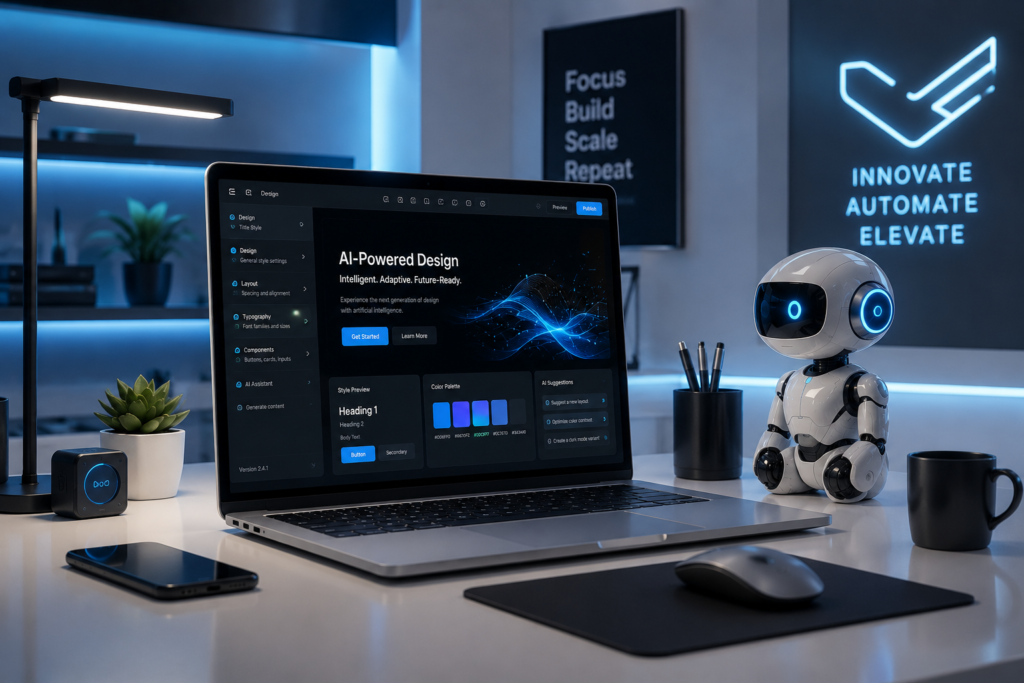
The AI Mockup Workflow: From Zero to Pro
To achieve elite-level visuals, you need a streamlined workflow that minimizes manual effort while maximizing aesthetic impact. Here is the exact stack the top 1% of digital entrepreneurs are using to dominate their niche in 2026:
- Step 1: The Design Base: Start with Canva Pro or Figma to create your core design asset. Focus on clean typography, professional spacing, and high-contrast imagery to ensure your product “pops” on any screen, whether it’s a smartphone or a desktop monitor.
- Step 2: Intelligent Placement: Use AI-powered platforms like Placeit or specialized Midjourney prompts to project your design onto realistic environments. Whether it’s a MacBook Pro on a modern, cluttered desk or a physical planner being held in a coffee shop, context is everything.
- Step 3: Scaling & Consistency: Automate your branding by using AI tools that maintain color palette consistency across all your promotional visuals. A unified visual language is what separates a hobbyist from a recognizable, scalable digital brand.
Advanced Midjourney Prompting for Mockups
Creating custom mockups using Midjourney has changed the game for digital solopreneurs. Instead of relying on stock photos, you can generate hyper-realistic, branded environments from scratch. The secret lies in your prompt engineering. Use prompts that specify cinematic lighting (e.g., “soft morning sunlight streaming through a window”), texture (e.g., “minimalist white marble desk with eucalyptus leaves”), and shallow depth of field. This technique ensures that your product is the undisputed hero of the image, not just an afterthought in the background. By mastering these prompts, you gain complete control over your brand’s visual storytelling.
The Technical Edge: Automation in Design
Why spend hours manually resizing assets for every social media channel? By integrating tools like Make.com, you can automate the entire process. Once your design is ready, you can trigger an automated workflow that sends your design to your mockup generator, applies your specific brand style, and exports the final file to your cloud storage. This creates a “set-and-forget” system for your social media assets. In 2026, operational speed is as vital as creative quality. If you can push five variations of a product display in the time it takes your competitor to manually create one, you are effectively winning the market through sheer efficiency.
Monetization Strategy: Why This Matters
When you provide high-quality mockups for your digital products, you aren’t just “selling a file.” You are selling a solution. High-quality visuals allow you to charge a premium price for your digital assets, effectively doubling or tripling your profit margins without increasing your customer acquisition costs. A well-placed mockup removes the customer’s doubt; they can clearly see the value of what they are buying, which significantly reduces the friction in the final checkout process.
Building Your Brand Authority
Consistently publishing high-quality, professional visuals builds your brand equity. Over time, your audience begins to recognize your specific visual style. This is the ultimate goal: transforming from a service provider into a recognizable, authoritative brand. When your visuals are cohesive, you build trust before a single word of your copy is even read.
Conclusion: Start Scaling Your Visuals Today
Mastering AI mockups is not just about aesthetics; it’s a core business strategy that separates leaders from followers. By reducing the friction between your product and the customer’s perception, you unlock a higher tier of conversion potential. Start experimenting with these AI-driven design tools today and observe how your metrics shift as your presentation improves. Remember, your visual strategy is the silent salesperson that works for you 24/7. Ultimately, implementing AI Mockup Mastery within your business strategy will save time and increase your product value significantly.
Want to speed up your design process? Check out our favorite AI tools for design automation in our AI Design & Automation category.